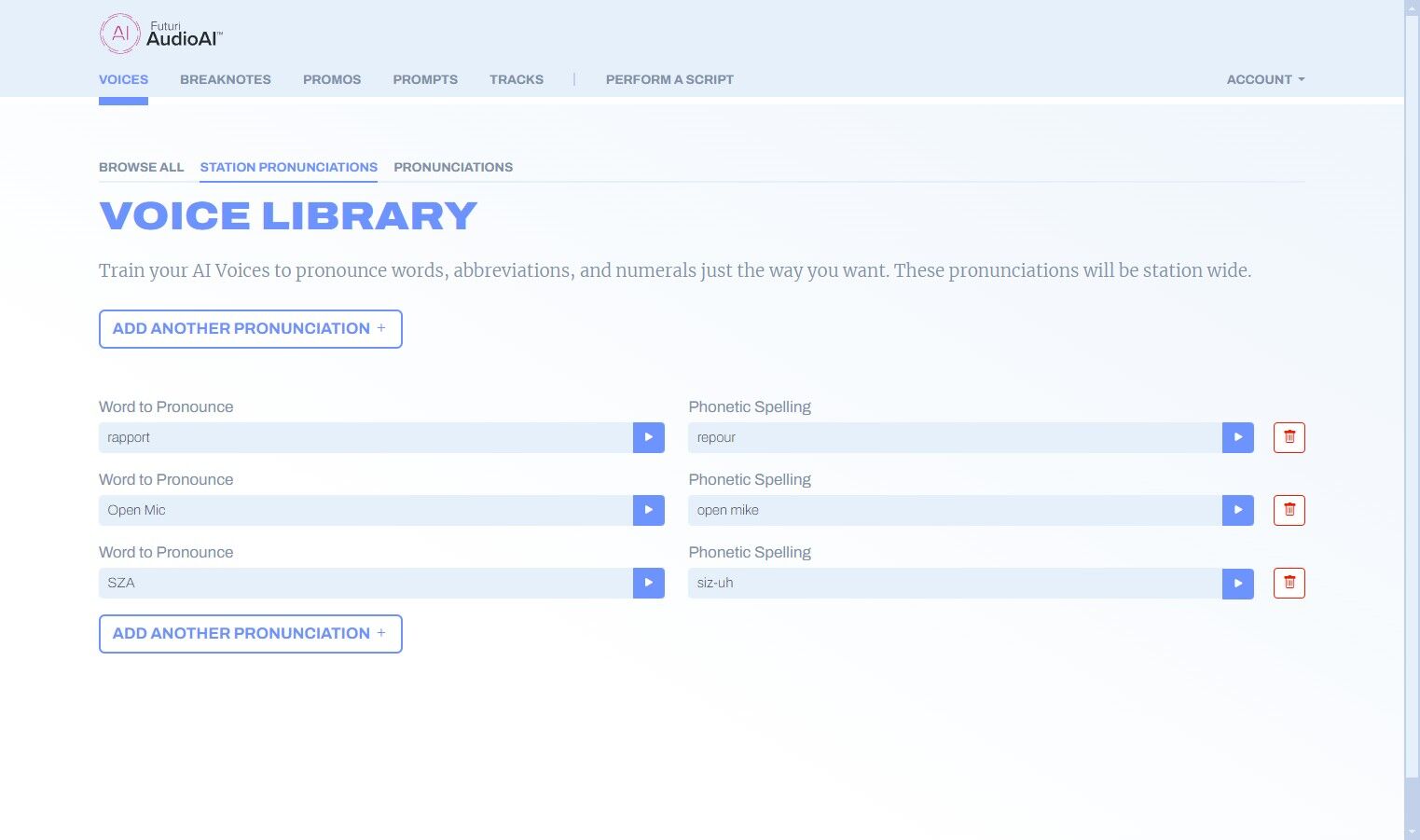
For uncommon words, regional cities or streets, artist names, etc., you may want to tweak the way your AI voices pronounce certain words. Follow the steps below to train your voices:
1. On the Voices tab, you will see two options for pronunciations.
Use STATION PRONUNCIATIONS when you want to apply a pronunciation to all voices on your account.
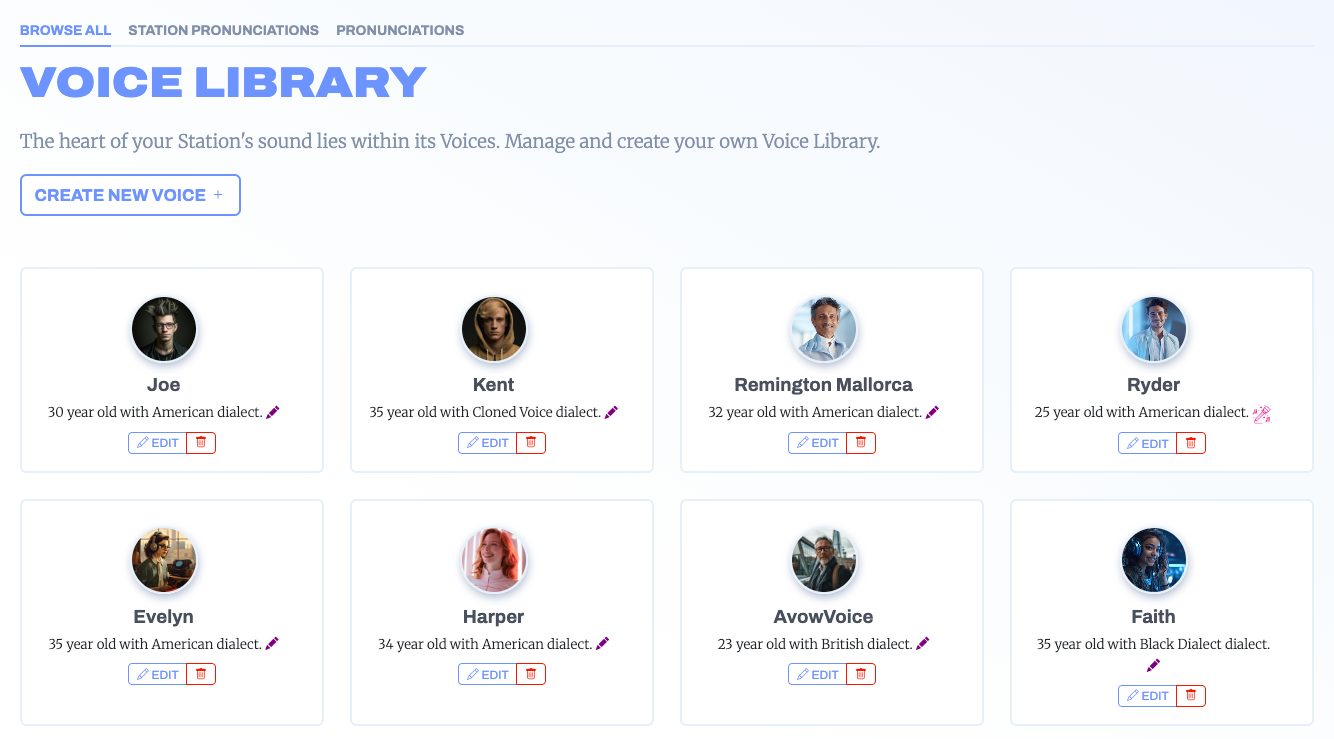
2. Use PRONUNCIATIONS when you want it to apply to just one selected voice.
NOTE: When there is overlap, Station Pronunciations will take precedence.
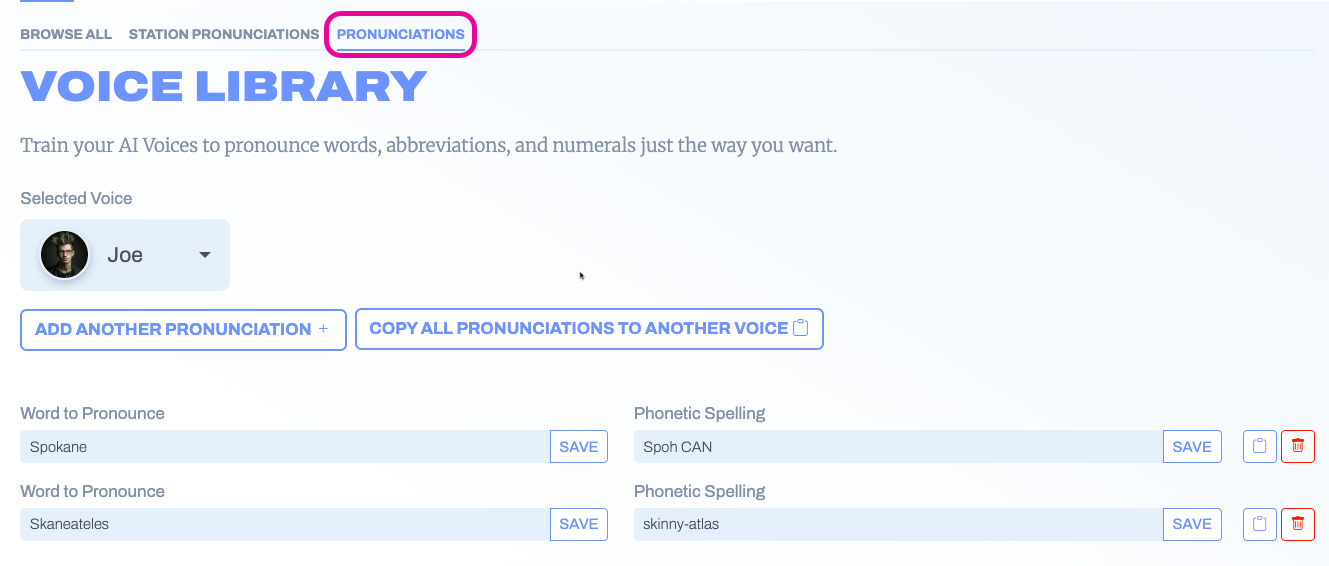
3. In either section, click ADD ANOTHER PRONUNCIATION to begin.
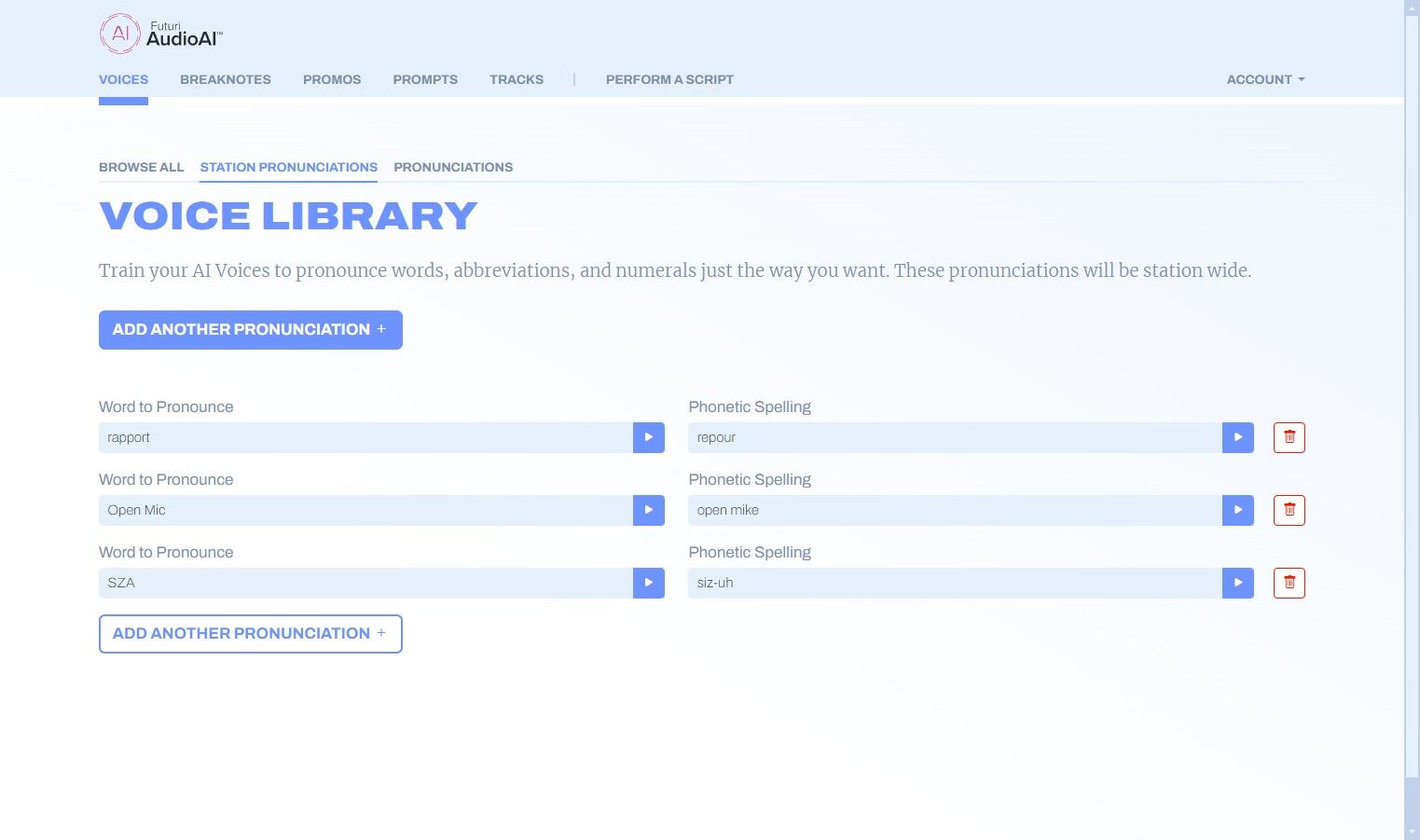
4. A set of blank fields will be generated. In the left-hand field, enter the word you want to pronounce as it is normally spelled.
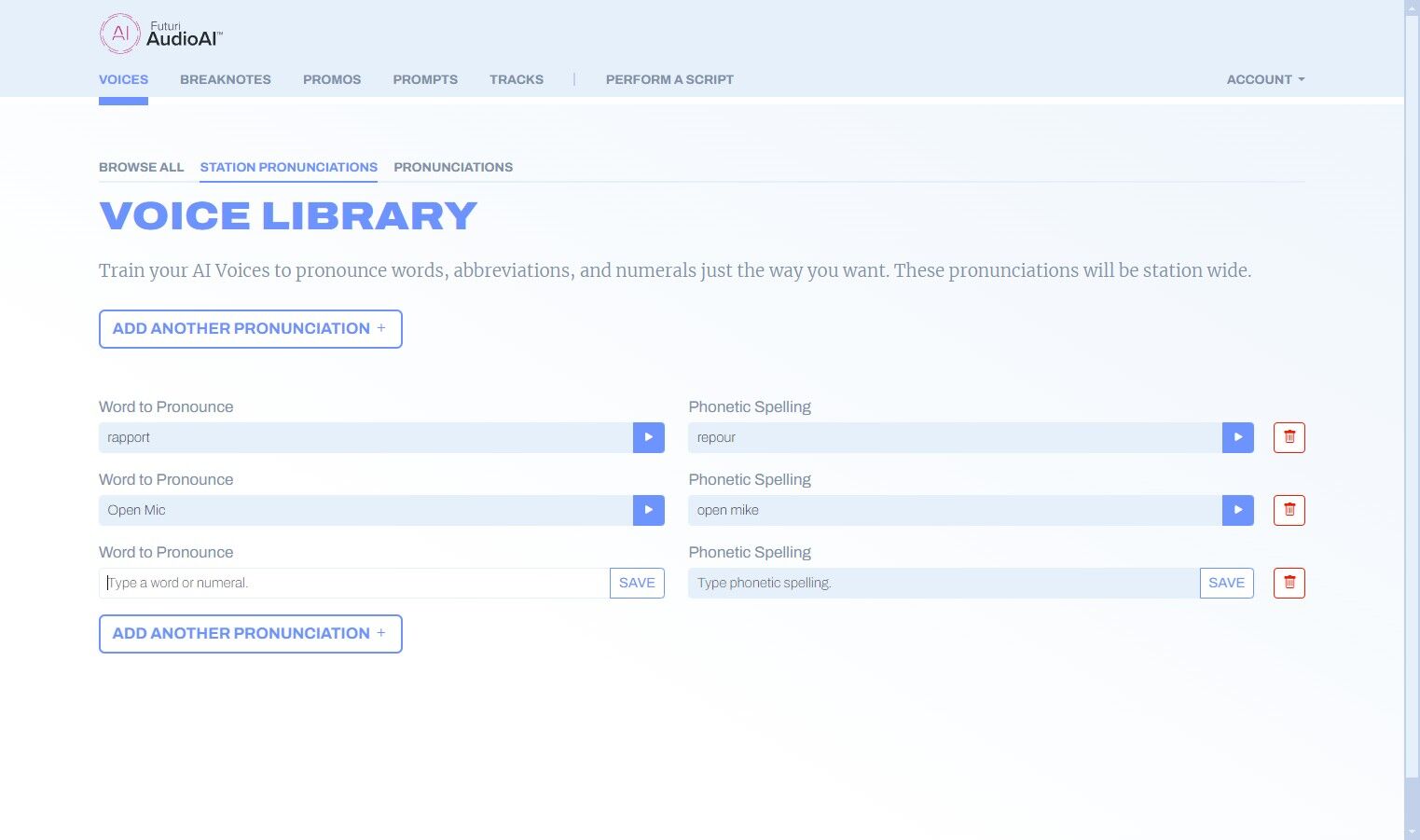
5. In the right-hand field, enter the phonetic spelling for the word or how you want it to be pronounced.
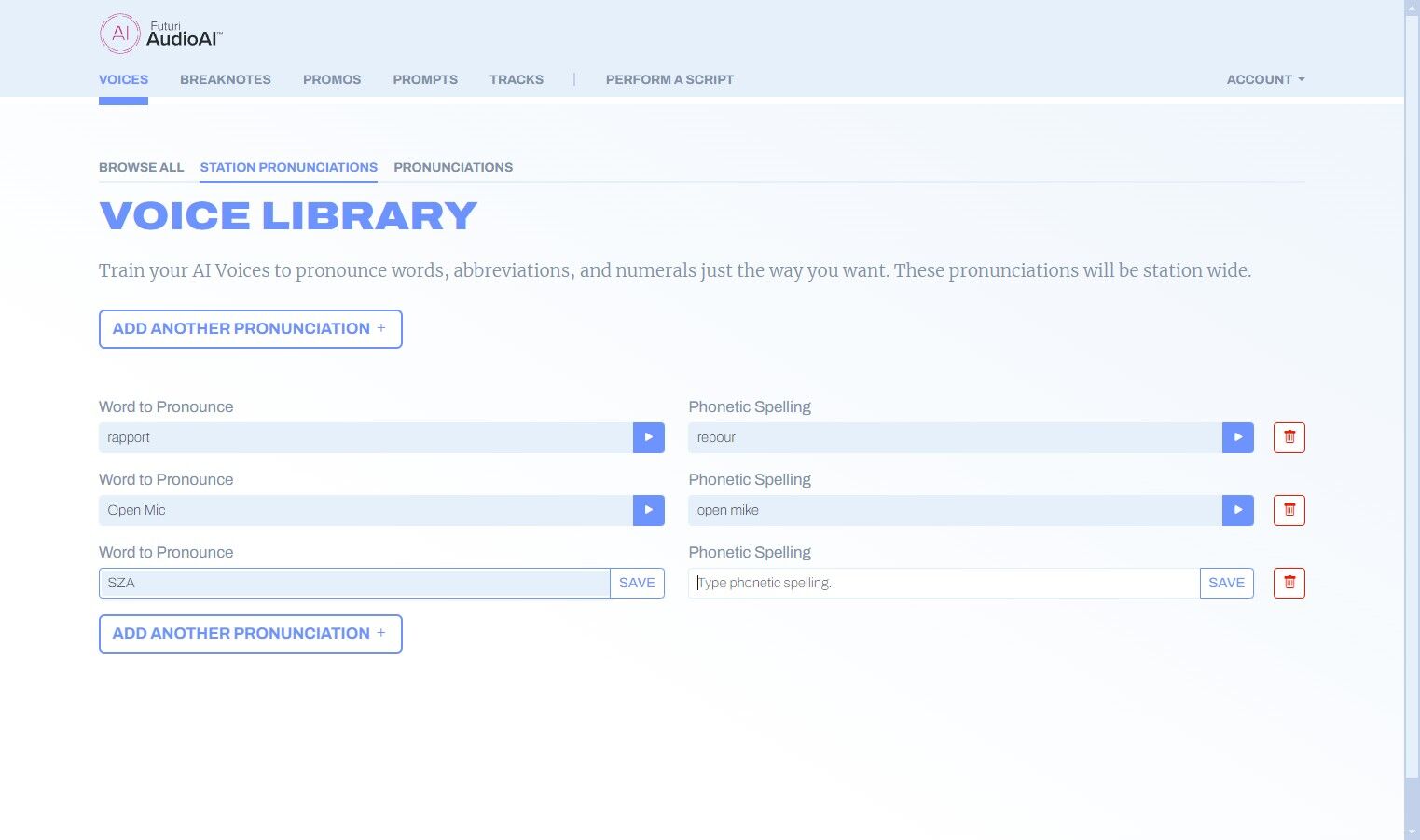
6. Click SAVE.
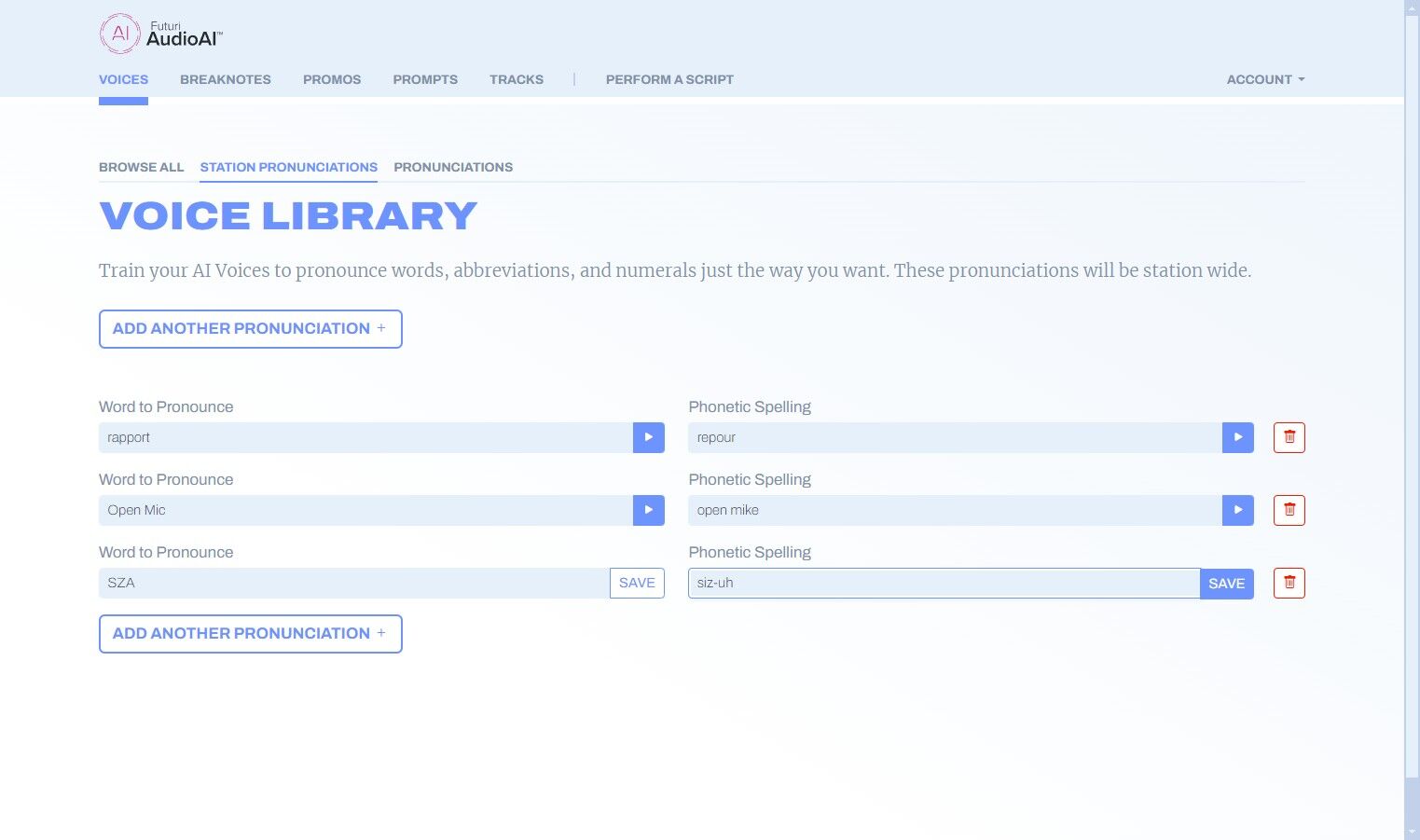
7. Click the play button to hear the word with your pronunciation. You can make additional edits until the pronunciation is to your liking.