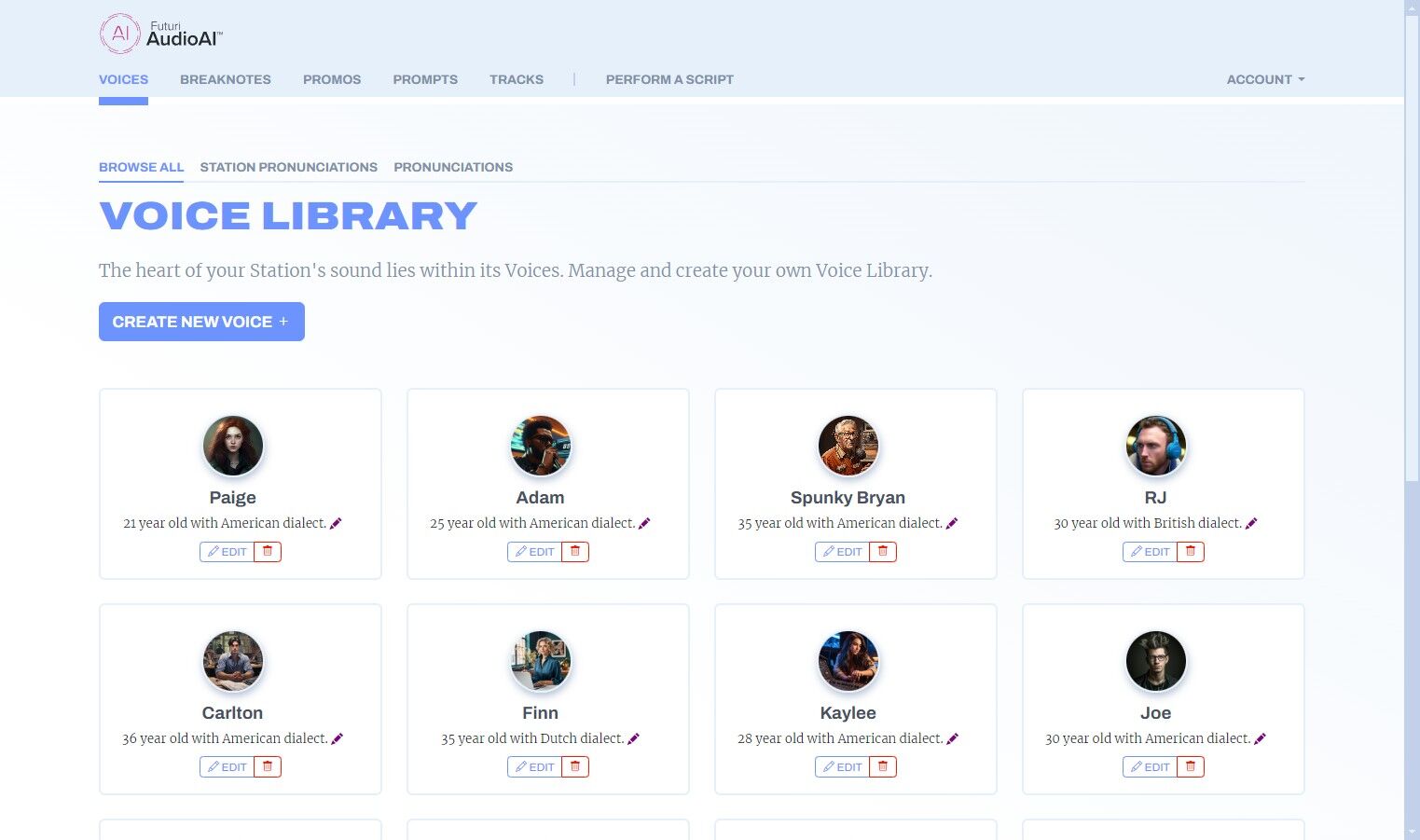
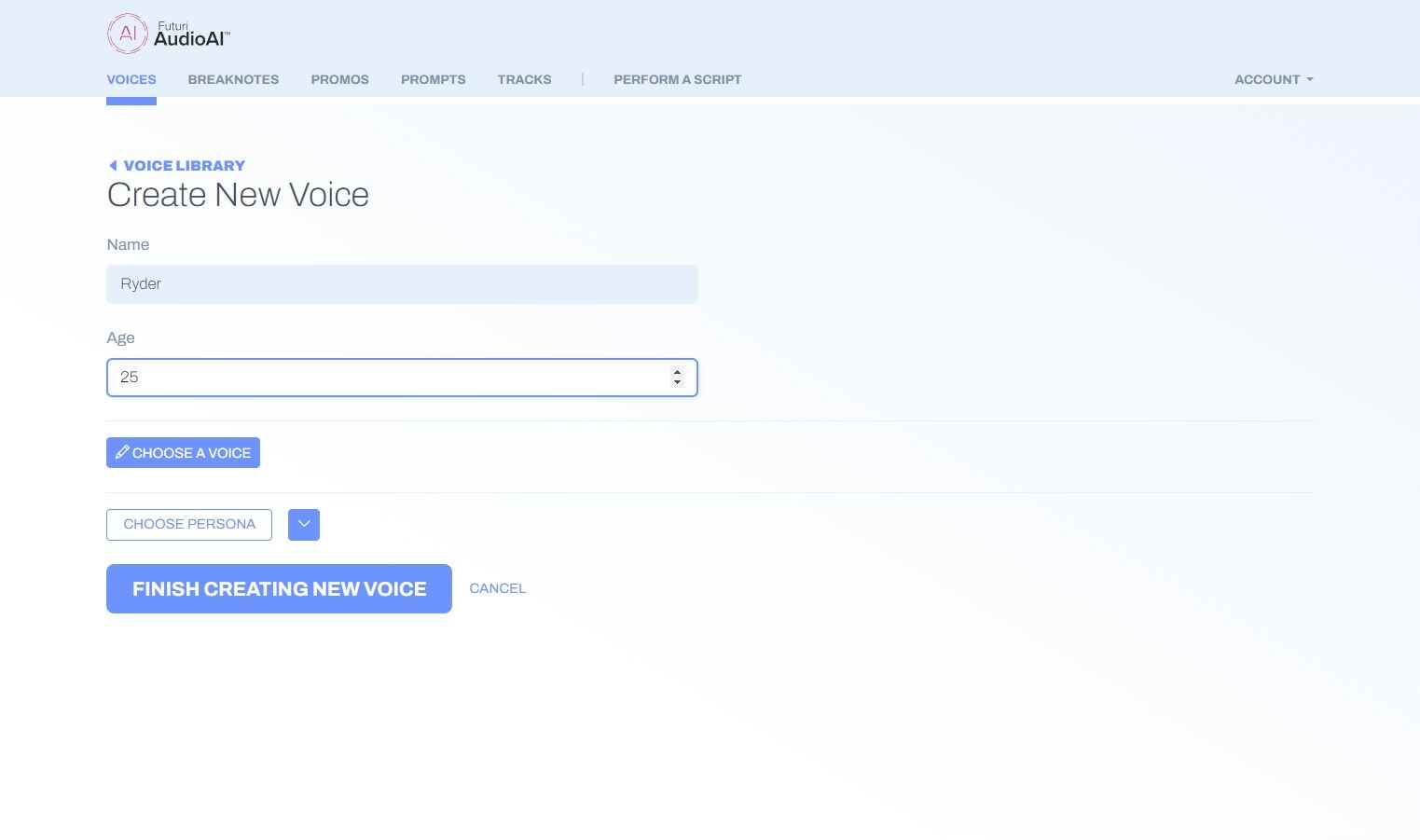
1. On the Voices tab, click the CREATE NEW VOICE button.
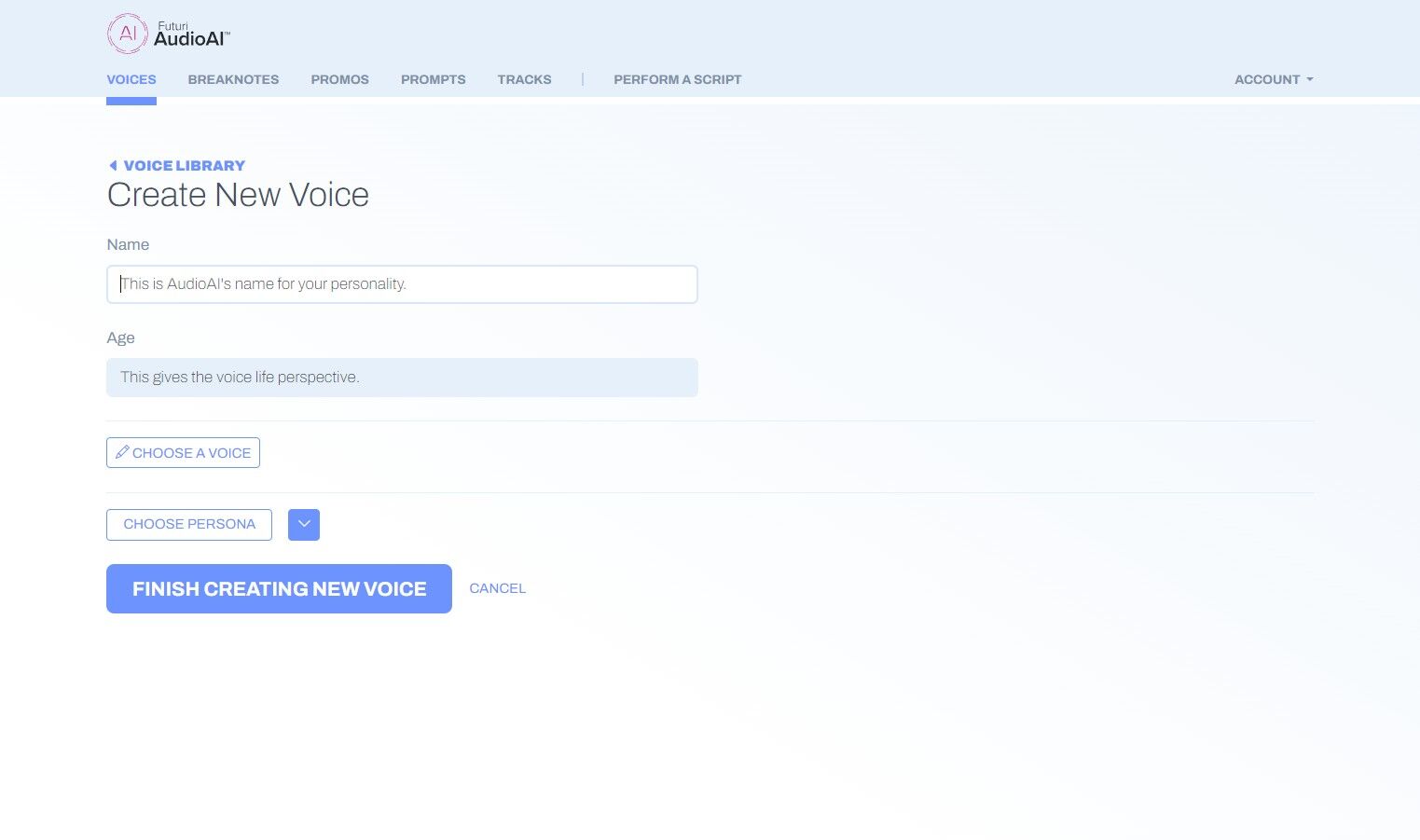
2. Label your voice with a name to help you identify it within your account.
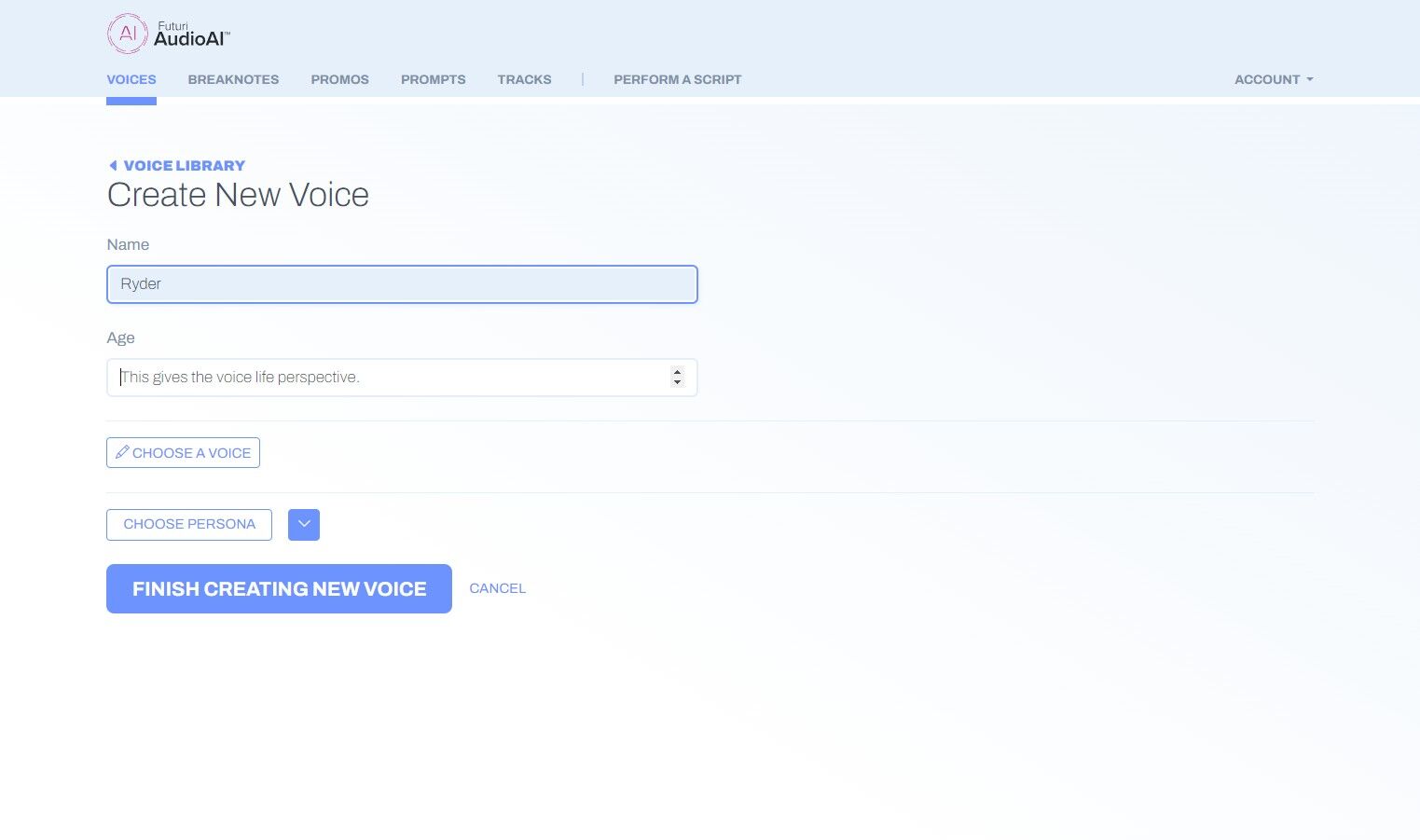
3. Choose an age for your voice. The age doesn't affect the sound of the voice, but it provides perspective when creating artful content.
4. Next, click CHOOSE A VOICE to view all the options in AudioAI's Voice Choice Library.
5. Use the filter menus to narrow down the selections.

6. Click the play button by any voice to hear a preview.
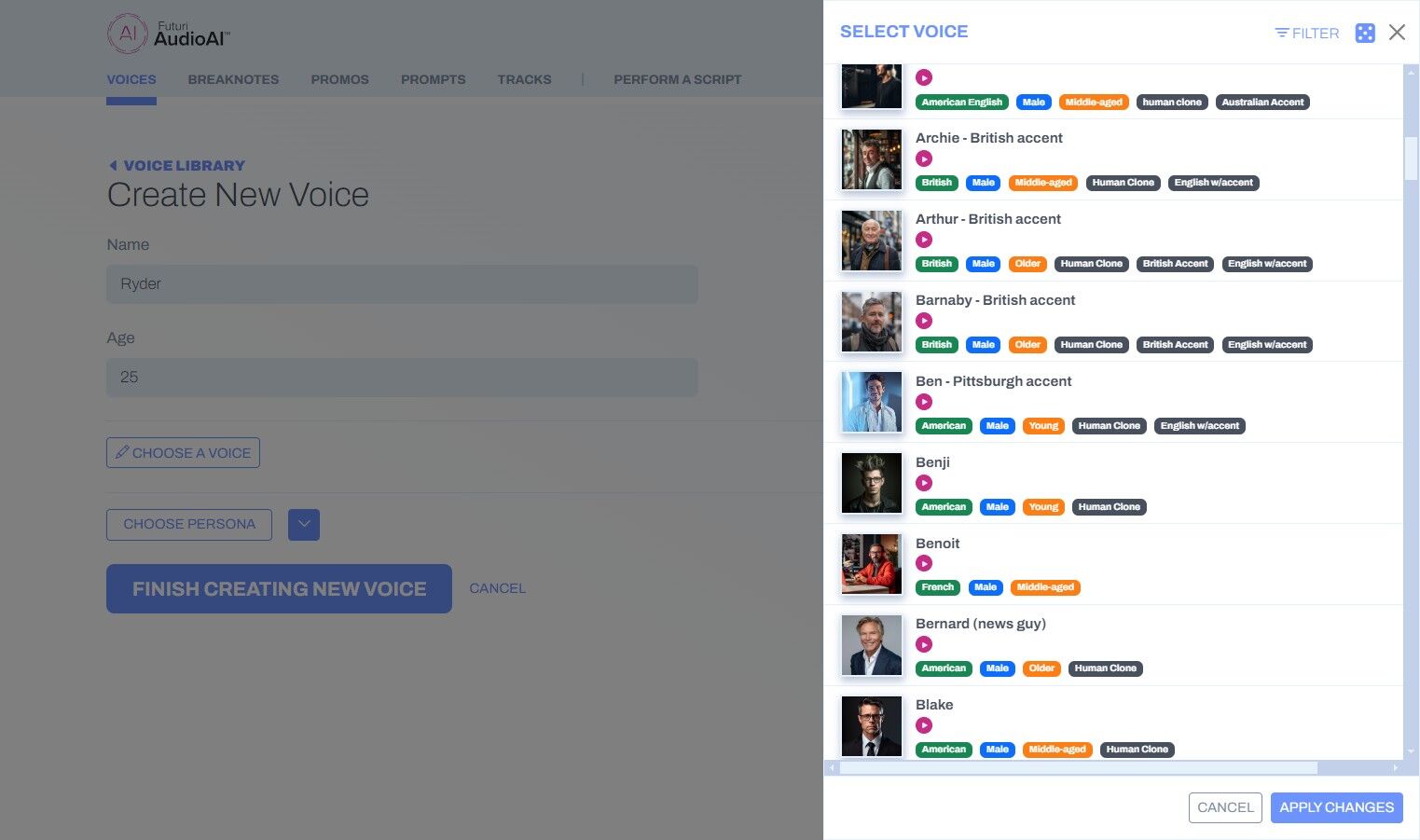
7. Click APPLY CHANGES to lock in your selection.
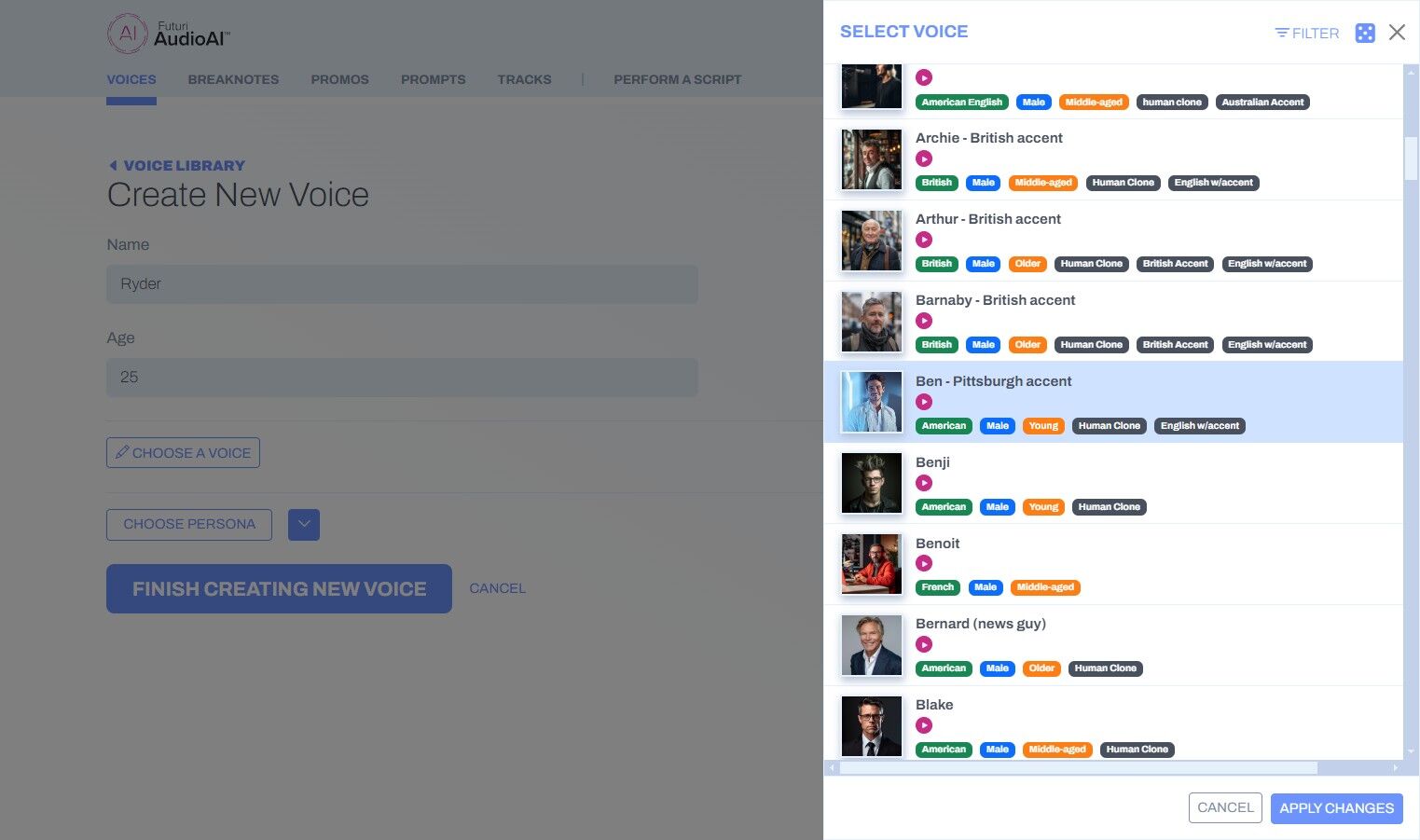
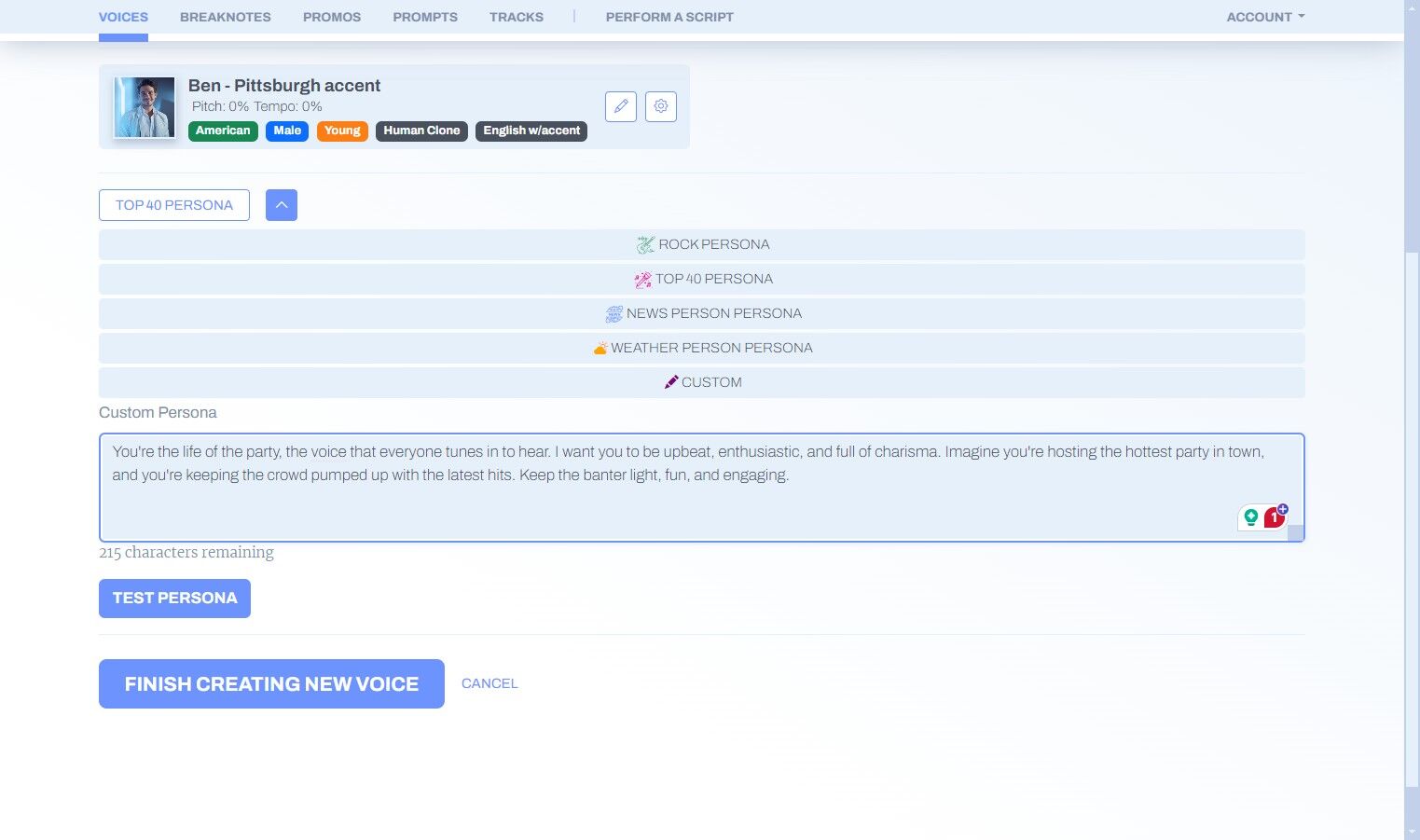
8. Optionally, you can select a Persona for your voice that will influence how artful content is written.
Choose from one of the available personas or create your own by detailing your character in the Custom Persona field.
Click Test Persona to see a sample of content written in the selected persona.

9. After you have made all your selections, Click FINISH CREATING NEW VOICE. Your new voice will now be available to any user on your account and can be edited as needed in the future.