
In Futuri Mobile apps, stations have the option to replace the modular home screen with an "endless" scroll Activity Feed. The Activity Feed gives users a scrolling feed of recently played songs interspersed with your station's Facebook posts, RSS feed content, podcasts, and display ads.
Enable Activity Feed
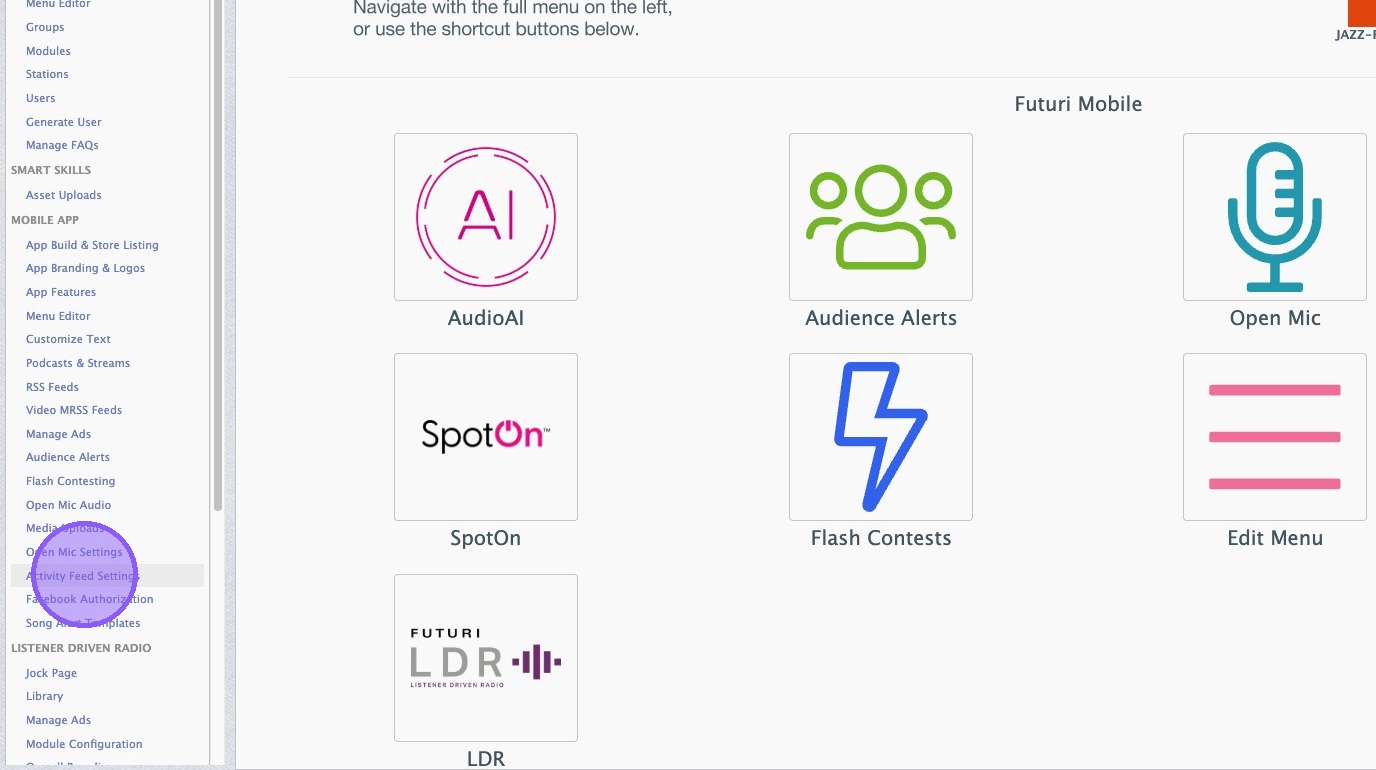
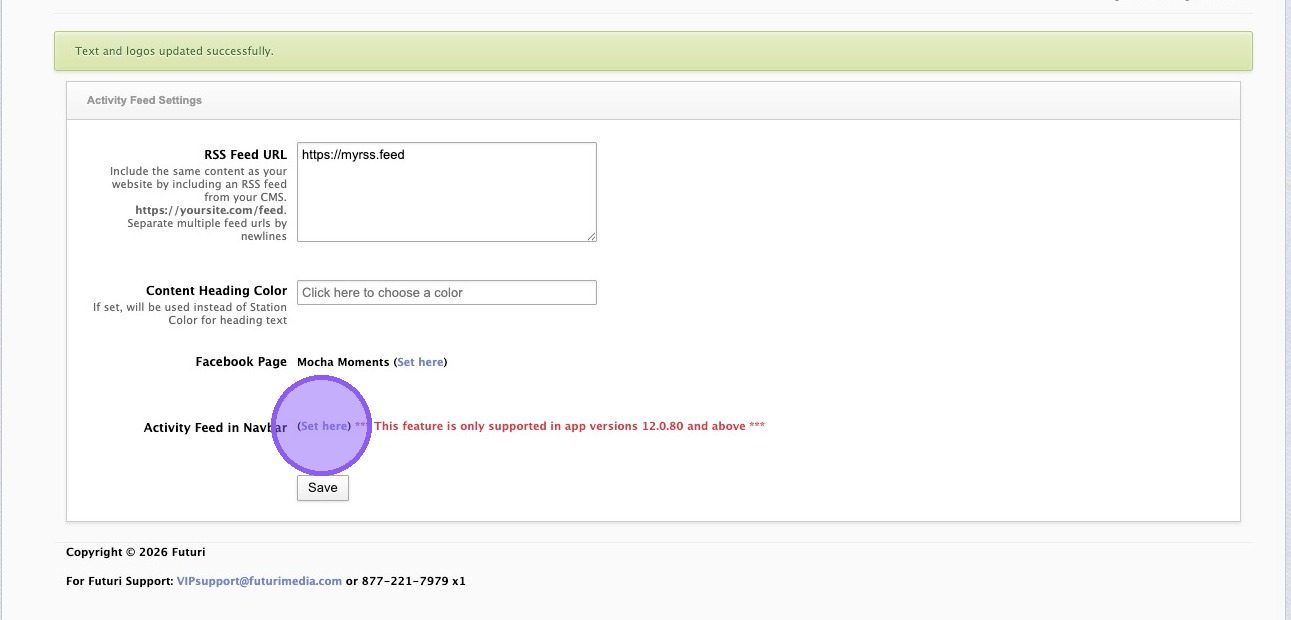
1. In Control Room, click "Activity Feed Settings."
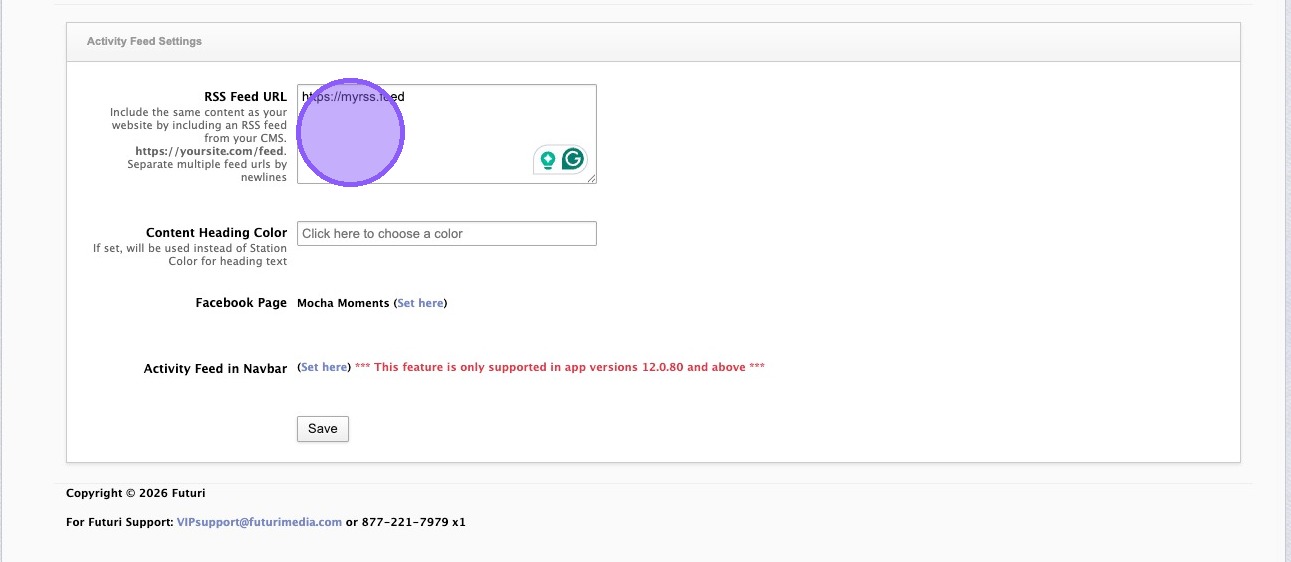
2. Enter one or more RSS feeds which will populate content for the Activity Feed. Separate multiple feeds on new lines.
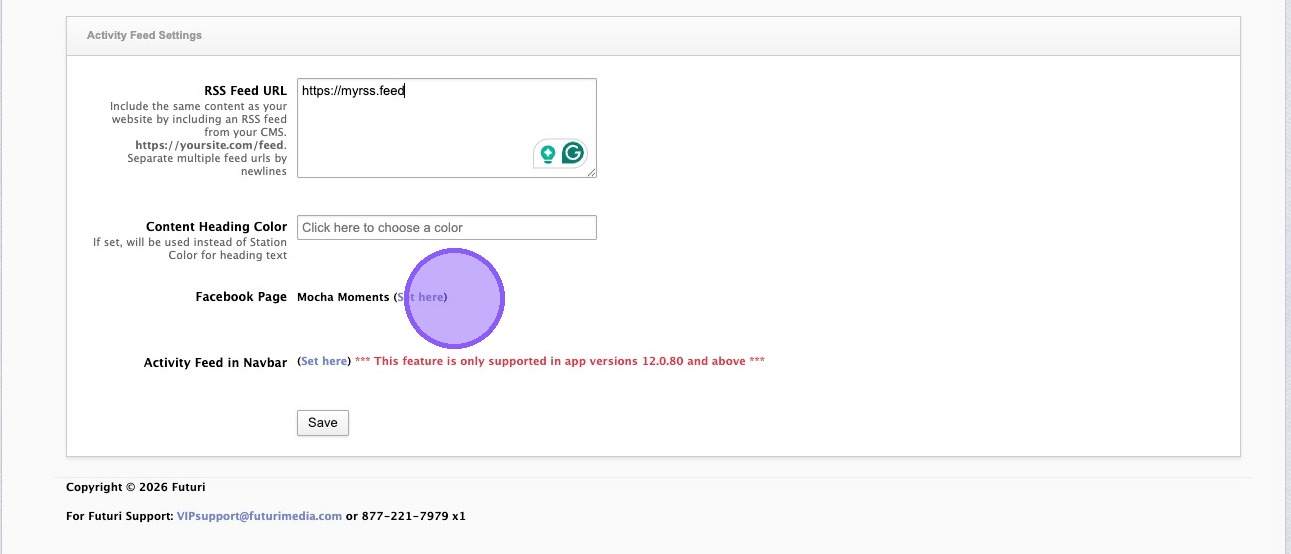
3. If desired, authorize a Facebook page and new posts will automatically be added to the Activity Feed.
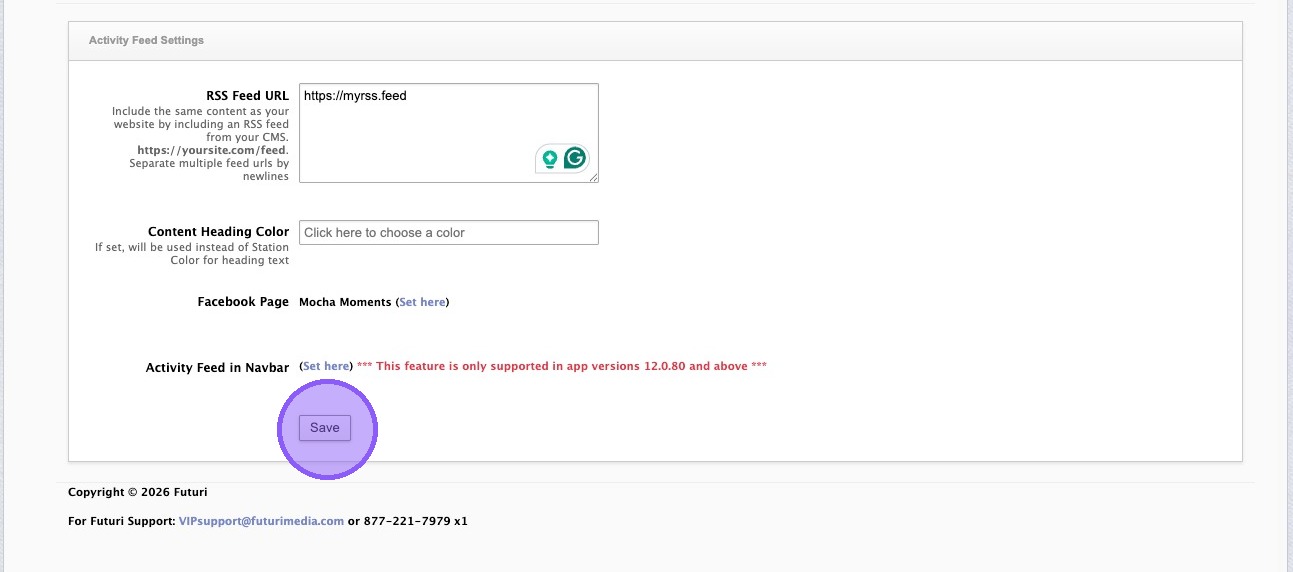
4. Click "Save."
5. Click "Set here" to navigate to the Nav Bar Menu Editor.
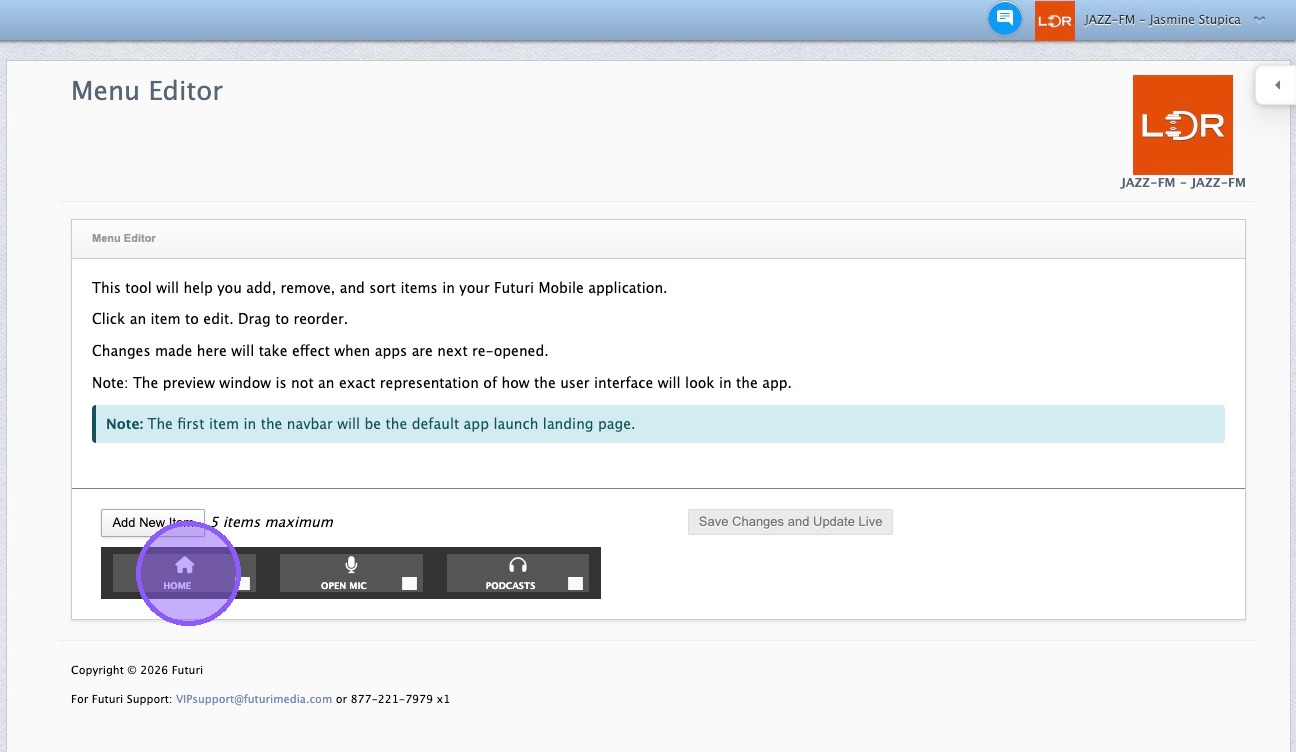
6. Click to edit the first "Home" tab.

7. In the "Target" menu, select "Activity Feed."
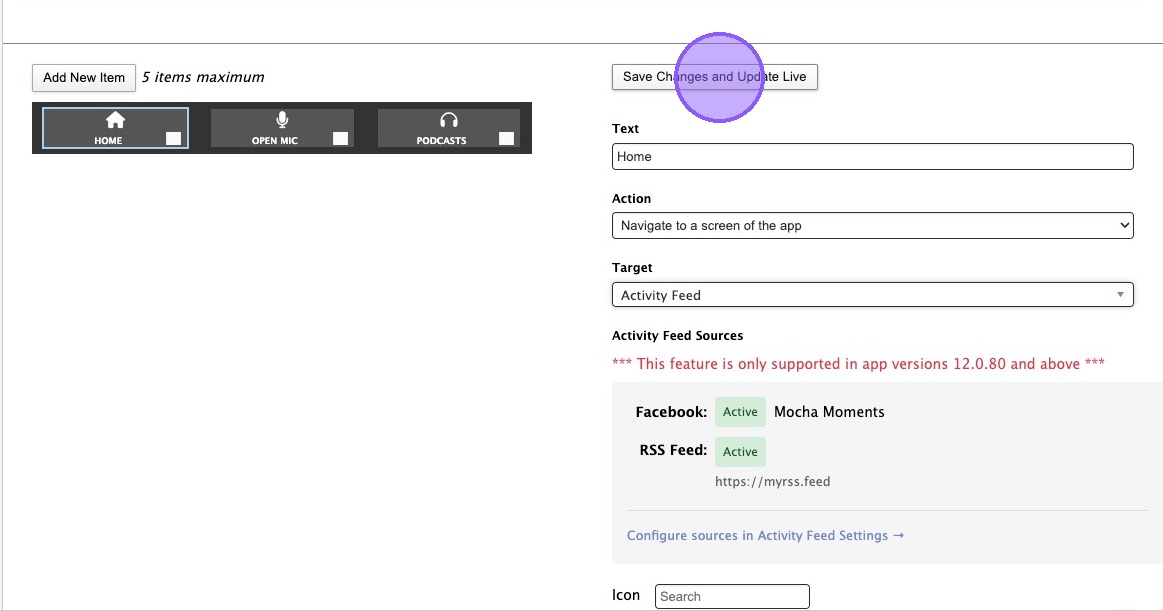
8. Click "Save Changes and Update Live."
9. Hard close and re-open your mobile app to view the updated Activity Feed tab.