
FAQs
- How do I get the voice to sound more dynamic and enthusiastic?
- I don’t like the voice chosen for my Spot using Flash Mode, what do I do?
- I need to change the copy and make a revision, how do I do that?
- I hit Finalize on my Spot, but I can’t edit it after. What can I do?
- I used Flash Mode for a Spec, but I don’t like it - so now what?
- The voice isn’t reading the copy properly, so what do I do?
How do I get the voice to sound more dynamic and enthusiastic?
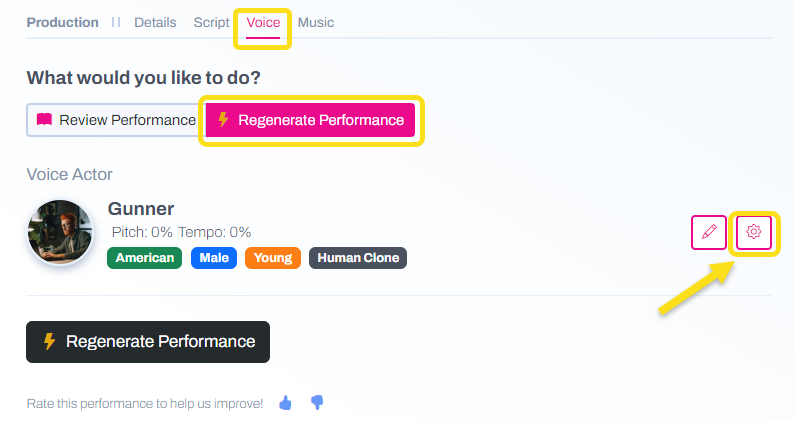
After you generate your spot, navigate to the Voice tab and click the gear icon under Regenerate Performance.
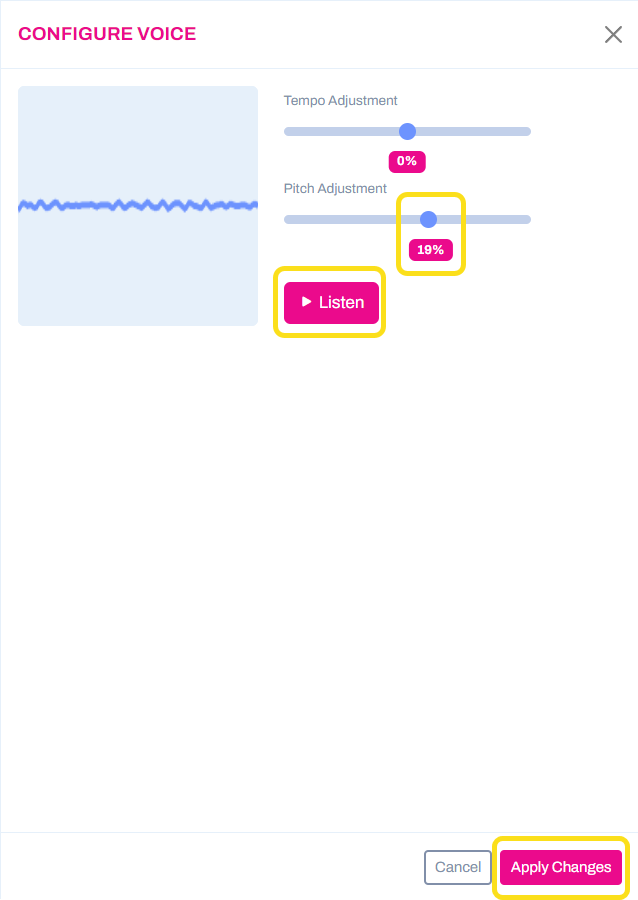
Click the Listen button. Then, adjust the pitch to your taste (try 79%) and you will hear the changes as you move the slider. You may also slightly increase the tempo of the voice (but remember, a little goes a long way). When satisfied, click Apply Changes.
Regenerate Performance and listen again. You should hear a dramatic improvement.
I don’t like the voice chosen for my Spot using Flash Mode, what do I do?
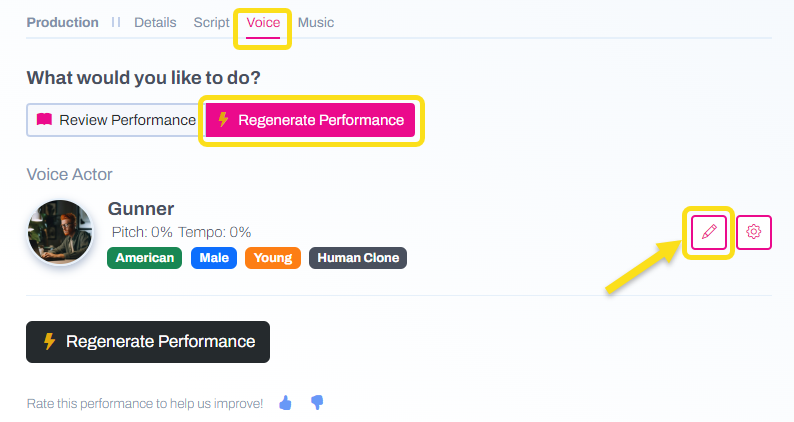
After reviewing your draft Spot, navigate to the Voice tab and click the pencil icon under Regenerate Performance.
Then, you can scroll through the other voices in SpotOn's library. Click the play button by any voice to hear a preview. Use the filter options at the top to narrow the selections. 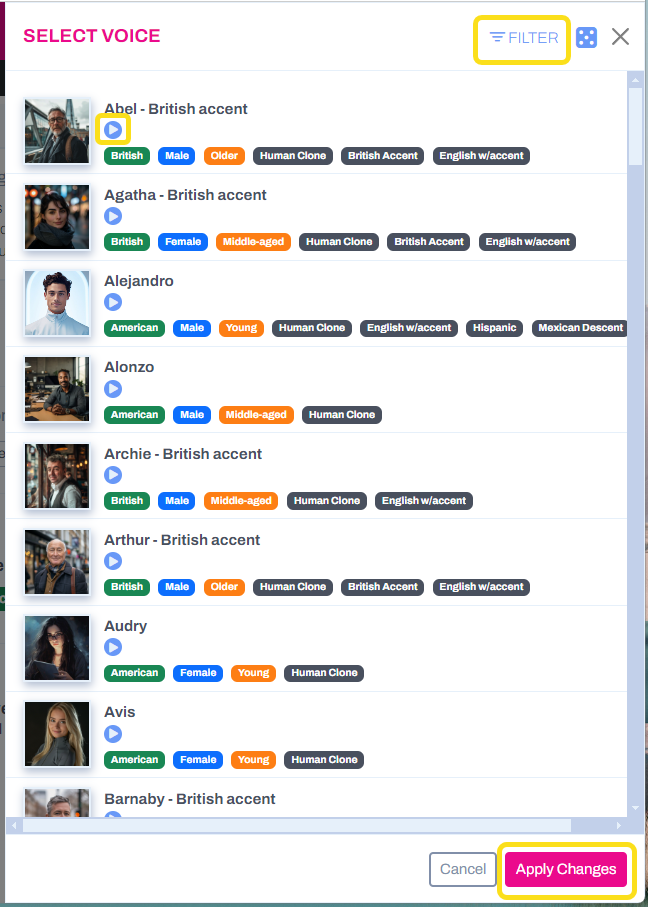
Click Apply Changes to lock in your new voice and then Regenerate Performance to hear the new audio.
I need to change the copy and make a revision, how do I do that?
Open your draft Spot and navigate to the Script tab. Click into the Current Script box and edit the copy/script using the best practices for AI copywriting. Click Approve and Continue to lock in your changes. Your Spot will regenerate so you can listen to the updated version.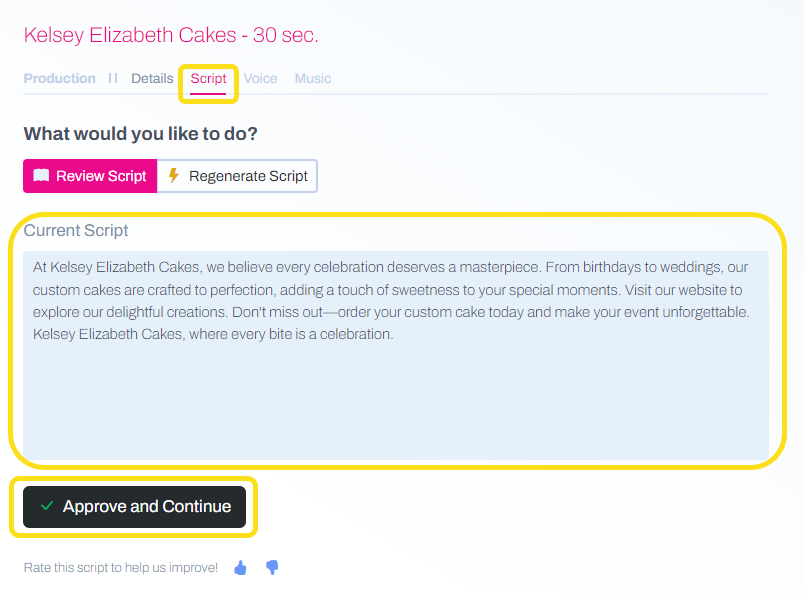
I hit Finalize on my Spot, but I can’t edit it after. What can I do?
Locate the desired Spot in your Spot Library. Click on the clipboard icon to clone of the Spot. A draft copy of your original Spot will be created, allowing you to make additional edits without losing the original audio file. 
I used Flash Mode for a Spec, but I don’t like it - so now what?
You can adjust any of the components of your Spot by navigating the tabs across the top to change the Details, Script, Voice, or Music. Try these tips to make some quick changes:
- On the Details tab, select a new tone for the Spot. Unless the topic is serious, go for a fun or positive tone.
- On the Voice tab, try switching out the voice or adjusting the pitch to get more expressiveness.
- On the Script tab, make edits to change the script to your liking.
- On the Music tab, choose a different track for the background music.
The voice isn’t reading the copy properly, so what do I do?
You’ll want to edit the script using best practices such as phonetic spelling, converting numbers from digits to words, or including all CAPS to provide a slight enunciation of specific words.
Note: Reads vary from voice to voice and you may need to try different tactics to produce your desired result.