
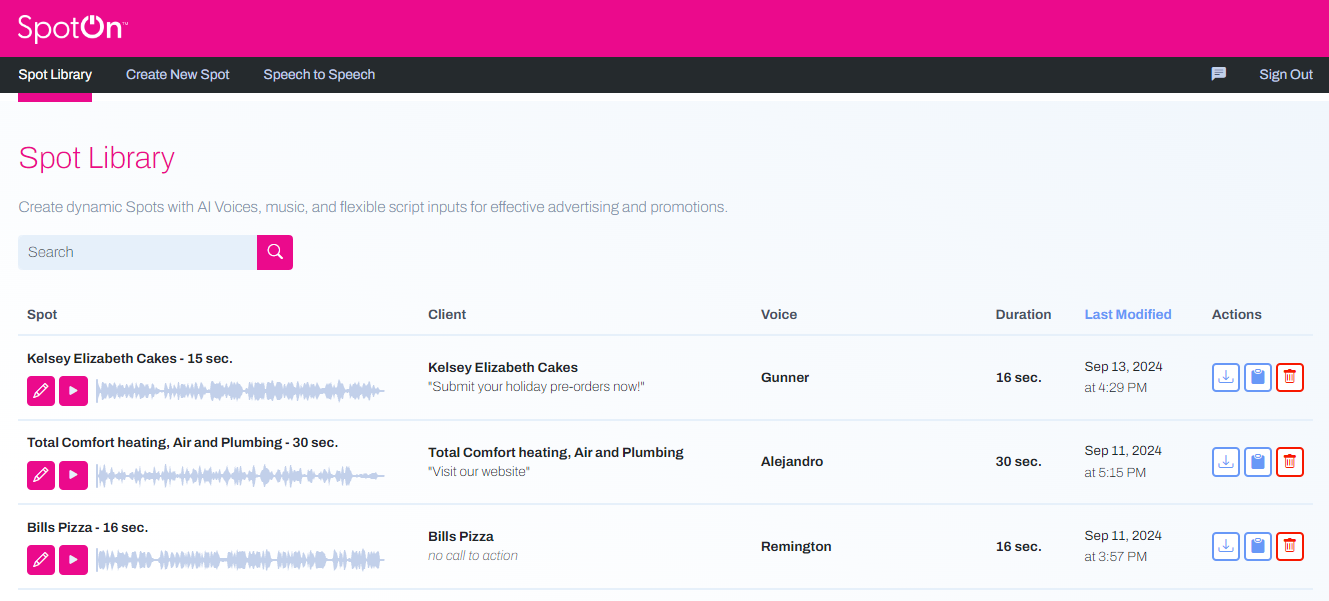
In your Spot Library, you can find all the draft and finalized spots created by you and your team. You have multiple options when reviewing your library.
┌────────────┬────────────┐ │ │ │ └────────────┴────────────┘
On drafts, you can click the pencil icon to make changes. If a spot has been finalized, you will instead see an eye icon, allowing you to listen to the spot, download it, or find the sharing URL.

Click the play button to listen to any spot.

In the Actions section, you can download, clone (duplicate), or delete your spot.