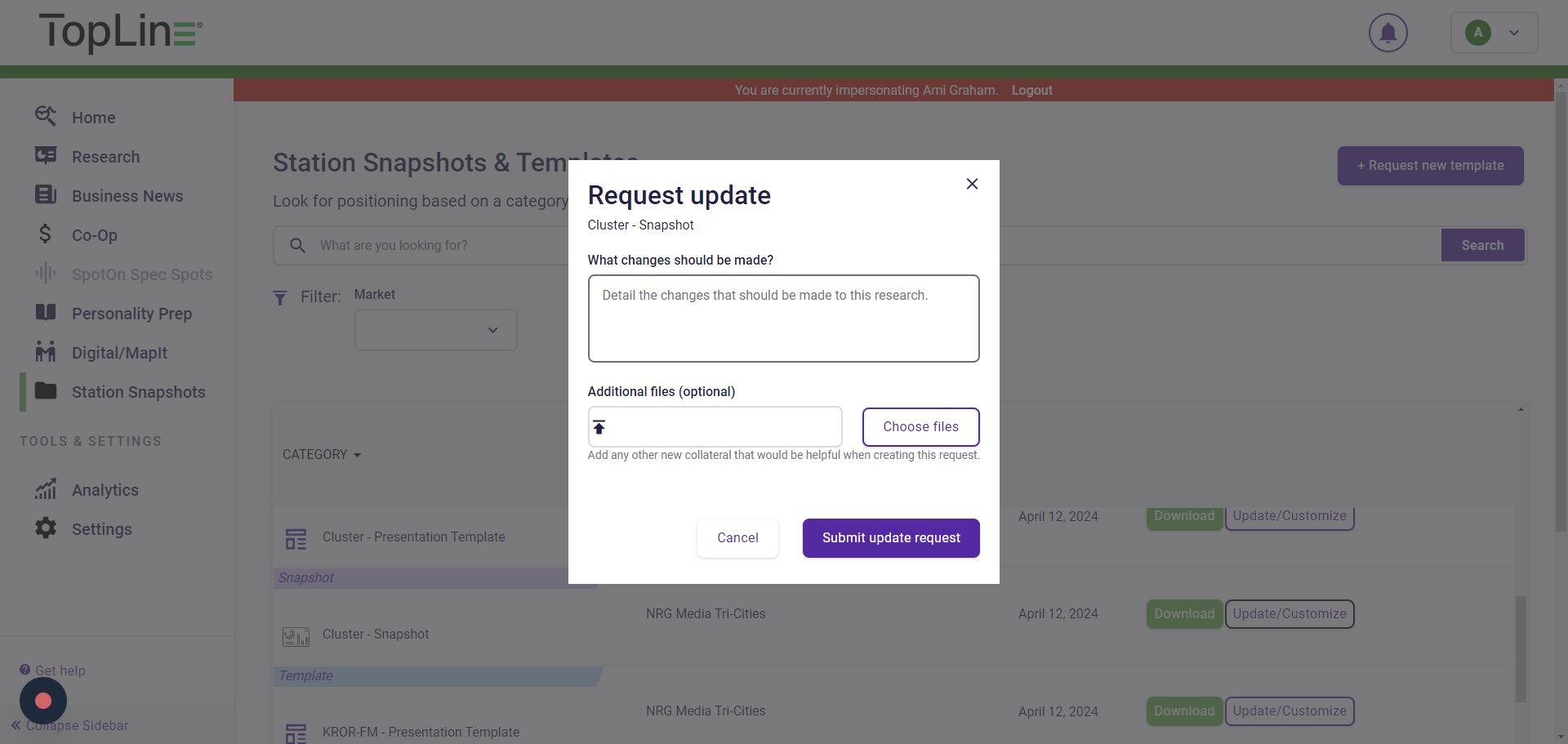
If you have manager-level access to TopLine, you can request updates to existing Station Snapshots or Presentation Templates.
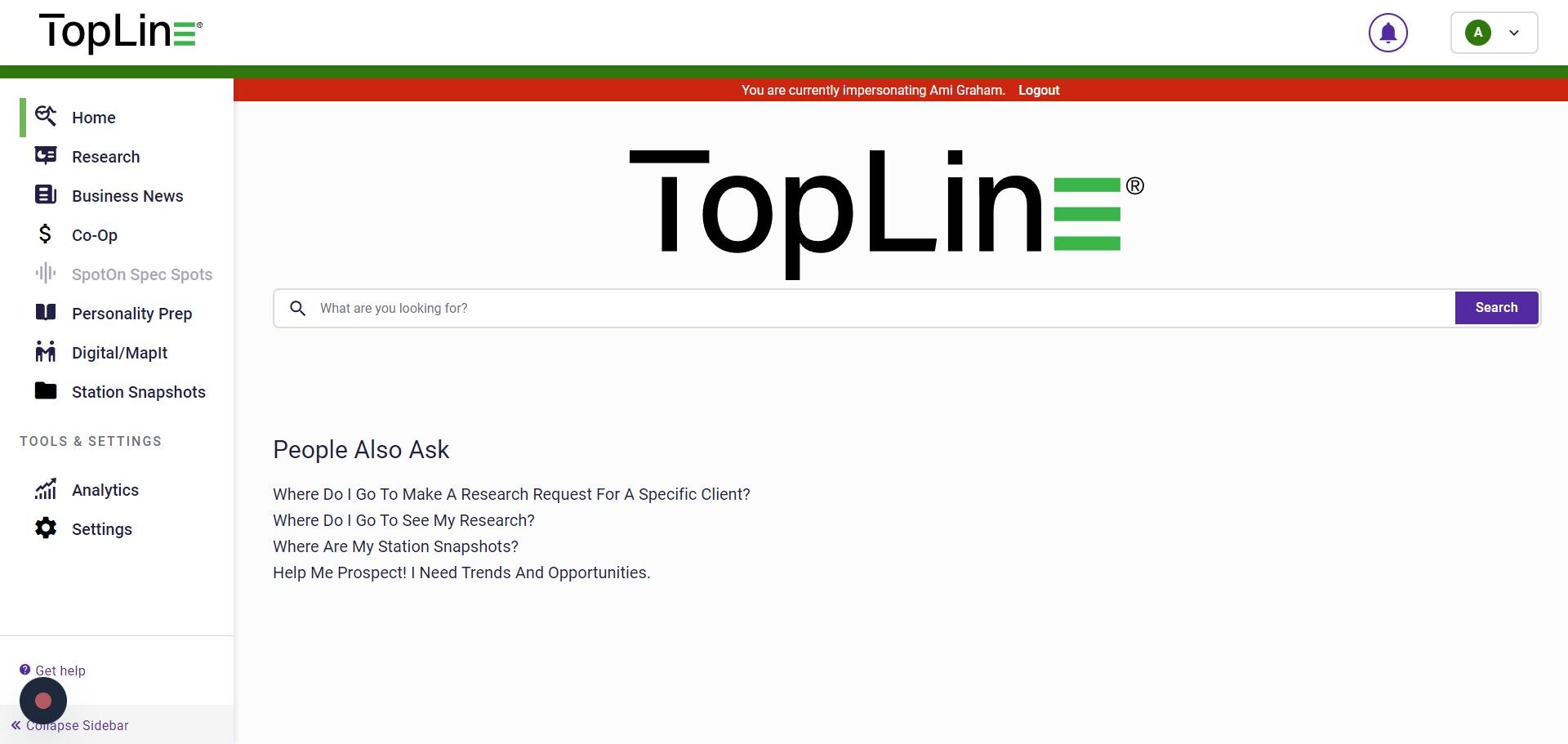
1. Navigate to Station Snapshots in the left-hand menu.
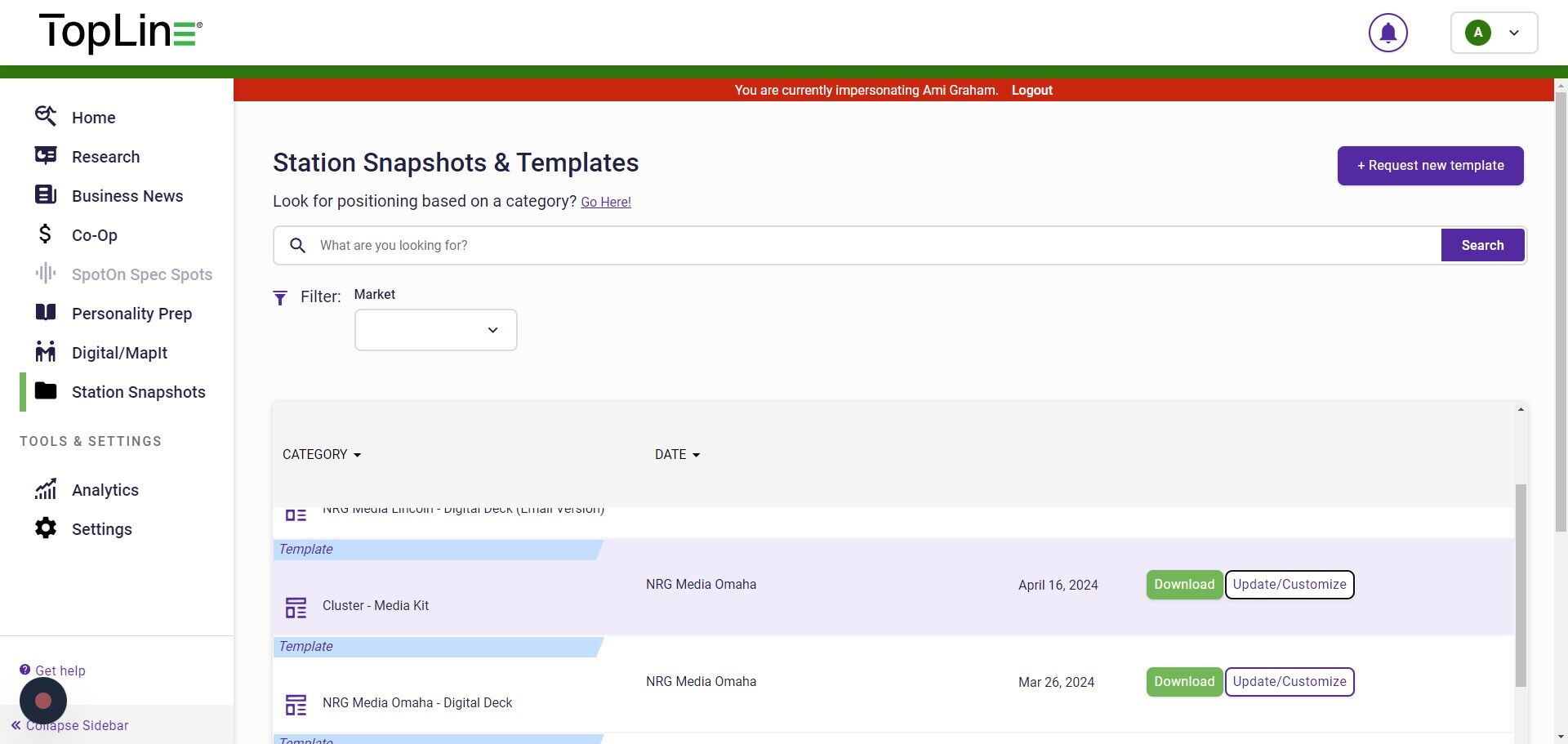
2. If you are a manager, you will see the option to Update/Customize by each of your station pieces. Click the button to request your edits.

3. For a template change, enter your changes into the box asking Please tell us what this template is for. And enter any special instructions into the Special Instructions field.
4. For a Snapshotchange, enter changes into the box labeled What changes should be made?.